
Pomodoro gives you tactical bursts of focus in 25-minute sprints; Time Blocking organizes your whole day into purpose-built calendar segments. Beginners, procrastinators, and anyone facing a single dreaded task usually get faster traction from Pomodoro. People juggling mixed days full of meetings, deep work, and admin tend to need Time Blocking's structure. Most experienced planners eventually run both at once, using Time Blocking to decide what happens when, and Pomodoro to actually push through it.
TL;DR:
- Pomodoro is most effective for overcoming procrastination and tackling single tasks, while Time Blocking suits complex days with diverse activities.
- Using a calendar to outline outcome-based blocks and leaving unscheduled time helps handle task overruns and reduces schedule collapse.
- Hybrid work, combining Pomodoro sprints within Time Blocks, enhances focus for deep work like research or writing.
- Automated scheduling tools can adapt study plans when deadlines shift, minimizing manual recalculations and maintaining productivity.
- Begin with one method for a week, track completed sessions and stress levels, and avoid switching systems prematurely to build meaningful habits.
Table of Contents
- How Pomodoro and Time Blocking Actually Work
- What Each Method Gets Right, and Where It Breaks
- Which Method Fits Your Day?
- Running Pomodoro Sprints Inside Time Blocks
- Setting Up Your Calendar and Timer
- How Syncronos Fits the Hybrid Workflow
- Start Small, Then Measure What Happens
- Automate the Time Blocking Half of Your Hybrid System
- Sources
How Pomodoro and Time Blocking Actually Work
Francesco Cirillo built the Pomodoro Technique around a kitchen timer shaped like a tomato, and the mechanics haven't changed much since. You work for 25 minutes, take a 5-minute break, and after several cycles you take a longer break, usually a quarter of an hour or more. The original method also includes a specific interruption protocol: inform whoever is interrupting you, negotiate a callback time, schedule it, then return to your Pomodoro. Cirillo treated the timer as more than a clock. Verywell Mind's coverage of the method describes it as a psychological forcing function that makes starting a task feel smaller than it is.
Time Blocking works at a different altitude. Instead of managing minutes inside a task, you carve your calendar into single-purpose segments, anywhere from 15 minutes to several hours, and assign one job to each. There is no built-in break rhythm. You decide the rhythm when you build the schedule.
| Dimension | Pomodoro | Time Blocking |
|---|---|---|
| Unit of work | 25-minute sprint | Variable block, 15 min to several hours |
| Break rhythm | 5 min after each cycle, longer break after 4 | Set by you, often none |
| Best for | Single tasks, procrastination, short focus | Full-day planning, mixed workloads |
| Learning curve | Low, works immediately | Moderate, requires realistic estimating |
| Tools needed | Any timer | A calendar app |
What Each Method Gets Right, and Where It Breaks
Pomodoro's biggest strength is momentum. The ticking clock lowers the mental barrier to starting, and the forced breaks keep fatigue from building during repetitive or dreaded work. It shines on essay writing, coding sprints, and anything you'd normally avoid opening at all.
Its weakness shows up on complex tasks that need a long warm-up. A 25 minute buzzer cutting into a deep research trance does more harm than good, and rigid timing can feel arbitrary on days packed with unpredictable meetings.
Time Blocking's strength is visibility. You see your whole day at once, which forces you to confront how much you're actually trying to fit in. Harvard Business Review notes that this structure reduces the mental cost of context switching, since you're not deciding what to do next every few minutes.
Its common failure mode is underestimating how long things take, which cascades into a schedule that collapses by 2 p.m.
- Pomodoro benefits: fast start, built-in recovery, works with zero setup
- Pomodoro drawback: can interrupt flow states on long, complex work
- Time Blocking benefits: full-day visibility, fewer decision points, supports the productivity gains up to 53% cited in Time Blocking research
- Time Blocking drawback: brittle when tasks run long
Pro Tip: Leave 20 to 30% of your calendar unscheduled. That buffer absorbs the tasks that inevitably run over, so one late meeting doesn't wreck your whole afternoon.
Which Method Fits Your Day?
Ask yourself a few questions before picking a system:
- How many different types of tasks do you juggle in a typical day? Two or fewer favors Pomodoro alone; three or more points toward Time Blocking.
- Can you sit still and focused for 60 minutes without checking your phone? If not, start with Pomodoro to build that stamina.
- Do you procrastinate mostly on starting, or on staying organized across a full day? Starting problems call for Pomodoro; organization problems call for Time Blocking.
- Do your days involve fixed appointments like classes or meetings? If yes, you need a calendar first, and Pomodoro second.
If you're new to structured focus, start with Pomodoro for one week and simply count completed sessions. If your days are already fragmented by fixed commitments, block your calendar first and layer in Pomodoro during open segments. Trial either approach for one to four weeks and track three things: sessions completed, actual output produced, and your stress level at day's end.
Running Pomodoro Sprints Inside Time Blocks
This is where the hybrid pattern practitioners consistently recommend actually earns its keep. A 90-minute Time Block splits neatly into three 25/5 Pomodoro cycles. A two-hour research block works better with 50/10 intervals, since deep reading needs more runway before it hits stride.
- Use standard 25/5 for writing, problem sets, or email triage
- Switch to 50/10 or unbroken flow blocks for reading, research, or creative work with a long warm-up
- Start each block with two minutes to reread your goal for that session before starting the timer
- Let the block's end time override the Pomodoro timer. If a cycle would run past the block, stop early rather than bleeding into the next task
Setting Up Your Calendar and Timer
Your calendar setup matters as much as the method itself. Name each block by outcome, not activity. "Finish problem set 4" beats "study time" because it gives you a finish line instead of a vague window.
- Label blocks with the specific outcome you want, not the subject name alone
- Build in 10 to 15 minutes of buffer between blocks to reset and reduce carryover fatigue
- Leave at least one unscheduled hour daily to absorb overruns
- Choose a timer with auto-cycling, silent mode, and adjustable interval lengths so you're not manually resetting it every 25 minutes
Quick-start presets worth trying: 25/5 for general coursework, 50/10 for reading-heavy blocks, and a 90 minute uninterrupted flow block for exam prep or long writing projects, similar to the templates in Syncronos's exam study planner.
How Syncronos Fits the Hybrid Workflow
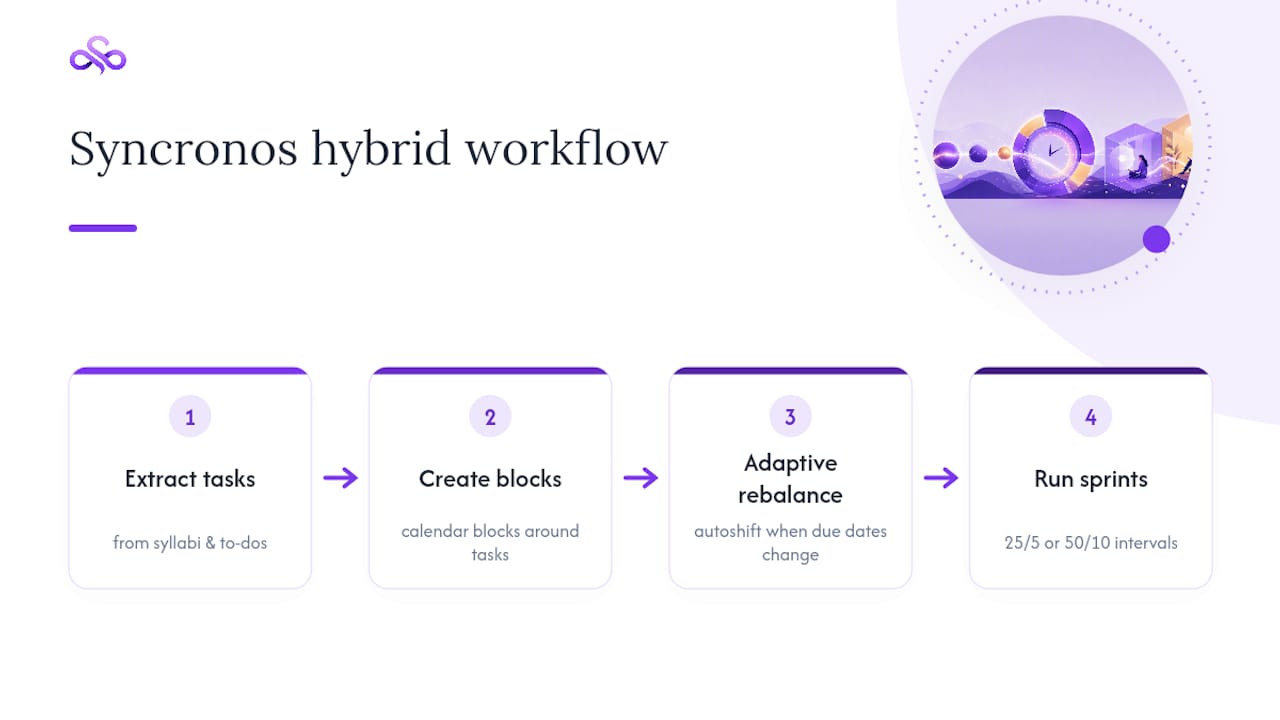
Manually building this hybrid system takes real upkeep, especially once your syllabus changes mid-semester. Some tools automate the extraction of tasks and deadlines from syllabi and to-do lists, then generate calendar blocks around them. When a due date shifts, adaptive technology can rebalance study blocks automatically instead of requiring manual recalculations. That's the Time Blocking layer handled. From there, you drop Pomodoro or 50/10 intervals into whatever blocks Syncronos builds. A syllabus with five assignments and two exams becomes a week of labeled study blocks, ready for you to run focused sprints inside.
Start Small, Then Measure What Happens
Pick one method, run it for a real week, and judge it by what you finished, not by how disciplined you felt while doing it. The biggest trap is switching systems every few days out of frustration, which guarantees you never collect enough data to know if either one works for you. Habits form on repetition, not intensity. Give whichever method you choose a fair, boring trial before you judge it.
— Syncronos
Automate the Time Blocking Half of Your Hybrid System
Building Time Blocks by hand works fine until your syllabus changes for the third time in a month. Some applications offer calendar structure that adapts automatically when deadlines move. They extract tasks and deadlines from uploaded syllabi and to-do lists, auto-generate a calendar, and rebalance study blocks when changes occur, reducing manual recalculation.
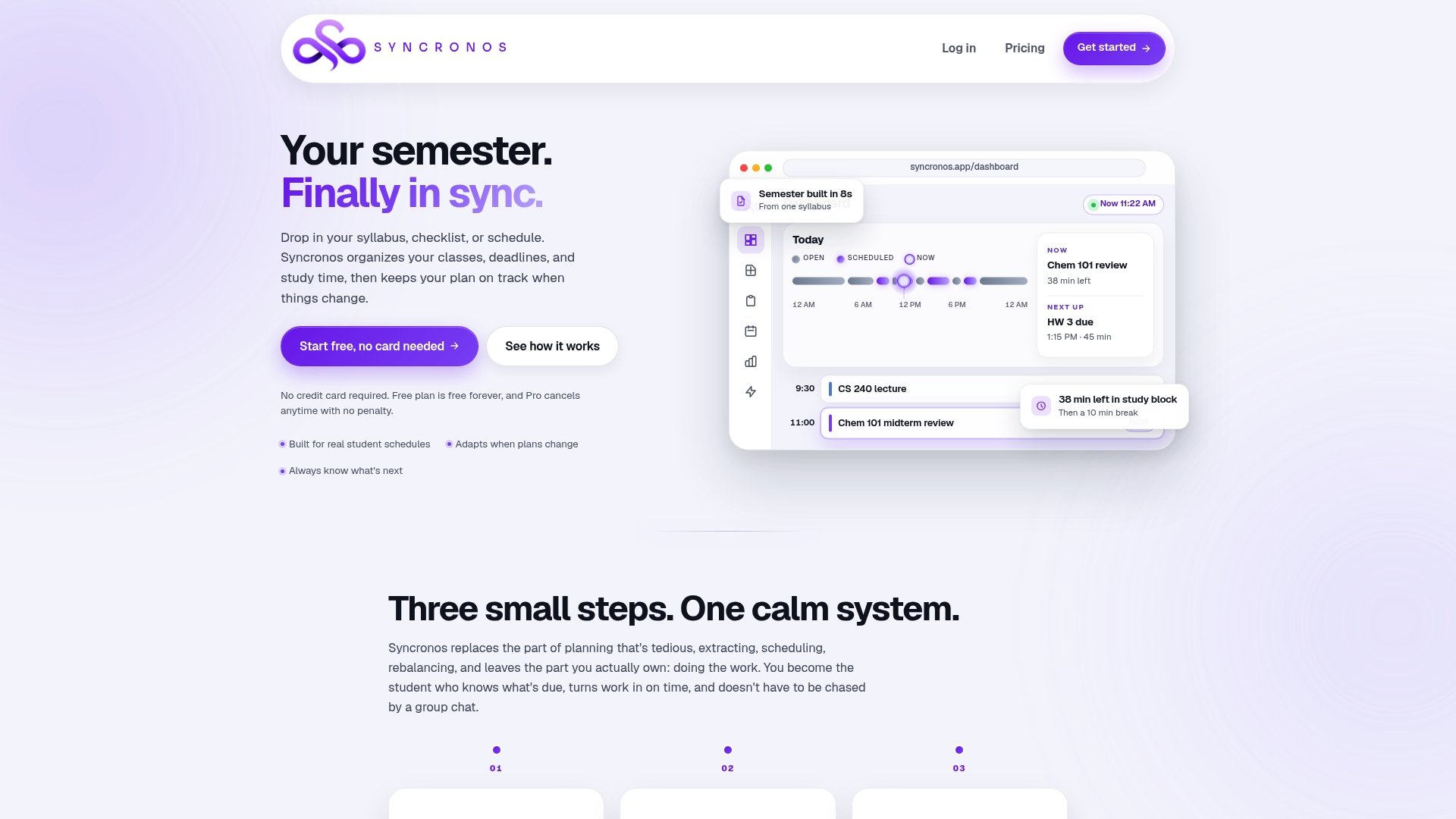
Once your blocks exist, dropping Pomodoro sprints inside them is the easy part. If you want to see how a syllabus turns into a week of labeled study blocks, start with the assignment planner and build your first schedule from an existing course outline.
Sources
- Pomodoro technique — Wikipedia
- The Pomodoro Technique: History, steps, benefits, and drawbacks — Verywell Mind
- How timeboxing works — Harvard Business Review