
Yes, student planners can expose personally identifiable information through sync, backups, and third-party processors. Before anything else, figure out who controls the planner: your school or you. If it's school-issued, ask for the privacy notice and find out exactly what gets recorded. If it's personal, check the app's settings before you enter a single assignment.
TL;DR:
- Using digital planners that sync to the cloud can expose assignment details, course names, and personal notes to third-party processors without explicit consent.
- School-mandated planners are subject to FERPA requirements, making schools responsible for records management and disclosures, which should be transparent upon request.
- Physical planners are safer from online breaches but pose risks through loss, theft, or accidental sharing, especially if sensitive information is visible on open pages.
- Users should evaluate privacy policies, encryption standards, retention periods, and data-sharing practices before choosing any planner app or tool.
- Regularly updating security settings, avoiding sensitive information entries, and requesting clear privacy and retention policies are essential for protecting student data.
Table of Contents
- Why Student Planner Privacy Deserves a Closer Look
- Quick Privacy Checklist for Students and Educators
- Digital Planners: Common Risks and How Data Actually Flows
- Physical Planners and Low-Tech Privacy Gaps
- School-Mandated Tools and FERPA: Rights, Recordkeeping, and What to Ask
- How to Evaluate a Planner or App's Privacy Before You Sign Up
- Practical Steps to Protect Planner Data
- Balancing Usefulness and Privacy as a Planner Provider
- A Privacy-Conscious Way to Automate Your Schedule
- Sources
- FAQ
Why Student Planner Privacy Deserves a Closer Look
A planner sounds harmless. It's just a calendar with due dates, right? Not quite. Once you add course names, grades, schedules, and sometimes health accommodations or disciplinary notes, you've built a small profile of a person's academic life. That profile has value, and it moves through more hands than most students realize.
Student data protection in this context isn't abstract policy talk. It's the difference between a planner that keeps your assignment titles on your device and one that ships them to an analytics vendor you've never heard of. The academic planner privacy settings buried in an app's menu often determine which of those two things happens. Most students never open that menu.
Quick Privacy Checklist for Students and Educators
Before you type anything into a planner, run through a few checks that take less than five minutes total.
- Confirm whether the planner is required by your school or something you chose yourself.
- Turn off sync and sharing features you don't actually need, and review what permissions the app has requested.
- Never enter sensitive details like Social Security numbers, medical notes, or disciplinary records into any planner, digital or paper.
- Turn on device encryption, a lock screen, and two-factor authentication for any account tied to your schedule.
- If the tool is school-mandated, ask for the school's privacy notice and how it logs disclosures under FERPA.
Pro Tip: Treat your planner like your email inbox. If you wouldn't forward the content to a stranger, don't put it where a sync error or a data breach could do that for you.
Digital Planners: Common Risks and How Data Actually Flows
Most digital planners collect more than the due date. Assignment titles, course names, timestamps, and device identifiers typically flow from your phone to the vendor's servers, then often onward to analytics tools, backup processors, or a school's learning management system.
That chain is where things get risky:
- Sync features can push data to cloud backups you never explicitly agreed to.
- Third-party processors, like analytics or crash-reporting tools, may receive fragments of your academic data.
- Vague retention policies mean your information can sit on a server long after you've forgotten the app exists.
K-12 systems have seen a steady rise in cyberattacks targeting district and vendor data, which makes vendor security practices as relevant as the app's feature list. When a school contracts a planner tool, FERPA requires that vendor to meet specific conditions to be treated as a school official, and the school must keep records of many disclosures of that data. If your school hands a vendor your class schedule, that transaction is supposed to leave a paper trail.
Physical Planners and Low-Tech Privacy Gaps
Paper planners feel safer because they're not connected to anything. That's true right up until the moment one gets left in a coffee shop, borrowed by a sibling, or photographed for a group chat.

The main risks are simple: loss, theft, and casual photo-sharing. A page snapped for a study group can accidentally include a grade, a counselor appointment, or a note about a disability accommodation.
A few habits close most of that gap:
- Keep sensitive notes, like medical or personal details, on a separate page you can remove or tear out.
- Store the planner somewhere secure instead of leaving it in a shared backpack pocket or common area.
- Think twice before posting a photo of an open planner page, even to close friends.
Worth knowing: if a school counselor or teacher collects and keeps a physical planner as part of a student's file, it can become an education record subject to the same FERPA protections as digital data.
School-Mandated Tools and FERPA: Rights, Recordkeeping, and What to Ask
FERPA gives parents of minors, and students who've turned 18 or entered postsecondary education (called "eligible students"), the right to inspect their education records and request amendments to anything inaccurate. Schools generally need written consent before disclosing personally identifiable information from those records to outside parties.
Schools also carry recordkeeping duties that most families never ask about. They must annually notify parents and eligible students of these rights, including the right to file a complaint. When a vendor tool is involved, the school typically has to log disclosures and confirm the contractor meets school-official conditions under 34 CFR §§ 99.30–99.32.
If your school requires a specific planner, ask these questions directly:
- Can I see the written privacy notice for this tool?
- How long is the data retained after the school year ends?
- Who, inside and outside the school, can access this information?
- How do I request a copy of my own records?
Schools generally must respond to a formal records request within 45 days. Mark that date if you ever submit one.
How to Evaluate a Planner or App's Privacy Before You Sign Up
Not every planner deserves the same trust. Before entering your schedule, run through a short evaluation.
- Read the privacy policy's sections on sharing, retention, deletion, and export. Skip the marketing page and go straight to the legal text.
- Look for technical signals: HTTPS/TLS encryption, encryption at rest, and whether a guest or local-only mode exists that skips uploading entirely.
- Check operational signals: a clear deletion and export process, a short and stated retention window, named subcontractors, and a real contact for privacy requests.
- Watch for red flags: vague language about "partners," no deletion option, or no mention of who else touches your data.
Pro Tip: "We may delete your data" is not the same as "we delete your data within 30 days." Vendors that state a specific number are usually the ones that have actually thought about it.
Some smaller, privacy-focused planners keep this simple by design. A tool like StudyDesk's approach offers guest modes where nothing uploads until you sign in, while other vendors, like Margin, store only encrypted tokens rather than your actual assignment content. Architecture like that limits exposure even if the company's servers are ever compromised.
Practical Steps to Protect Planner Data
Once you've picked a tool, maintenance matters as much as the initial choice.
- Use a unique password for the planner account and turn on two-factor authentication. Review connected apps and active sessions every few months.
- Never store Social Security numbers, medical records, or disciplinary notes inside a planner, no matter how convenient the notes field looks.
- Turn on disk encryption and a lock screen on every device that opens the planner, and audit app permissions at least once a semester.
- If you're an educator, offer an alternative or opt-out for students uncomfortable with a specific tool, limit required fields to the minimum needed, and request a written privacy agreement from any vendor before rolling out district-wide.
Pro Tip: Set a recurring reminder to check "connected apps" in your planner's account settings. Old integrations you forgot about are a common, invisible leak.
Deletion deserves a specific mention. Many vendors delete your account from live systems immediately but keep encrypted backups for a defined grace period, commonly 30 to 90 days. If a school or vendor promises "instant" deletion, ask for that window in writing.
Balancing Usefulness and Privacy as a Planner Provider
Syncronos exists because manually rebuilding a schedule every time a syllabus changes wastes hours students don't have. Extracting tasks from uploaded syllabi and checklists means handling academic content directly, and that comes with a responsibility to keep the data surface as small as the feature set allows.
There's a real trade-off here. Cloud sync and adaptive rescheduling need enough information to rebalance study blocks when a deadline shifts, but every extra data point stored is a data point that can eventually leak. Our approach favors minimizing what's retained rather than maximizing what's collected, even when that means slightly less flash.
For schools evaluating any planner tool, our advice doesn't change based on who makes it: insist on contractual privacy terms and demand clear recordkeeping before rollout. A tool that can't tell you what it logs isn't ready for a classroom.
— Syncronos
A Privacy-Conscious Way to Automate Your Schedule
Syncronos gives you the automation of a school-mandated tool with the control of a personal one. Instead of manually re-entering due dates every time a professor changes a deadline, you upload a syllabus once and let the syllabus-to-calendar engine build your schedule for you.
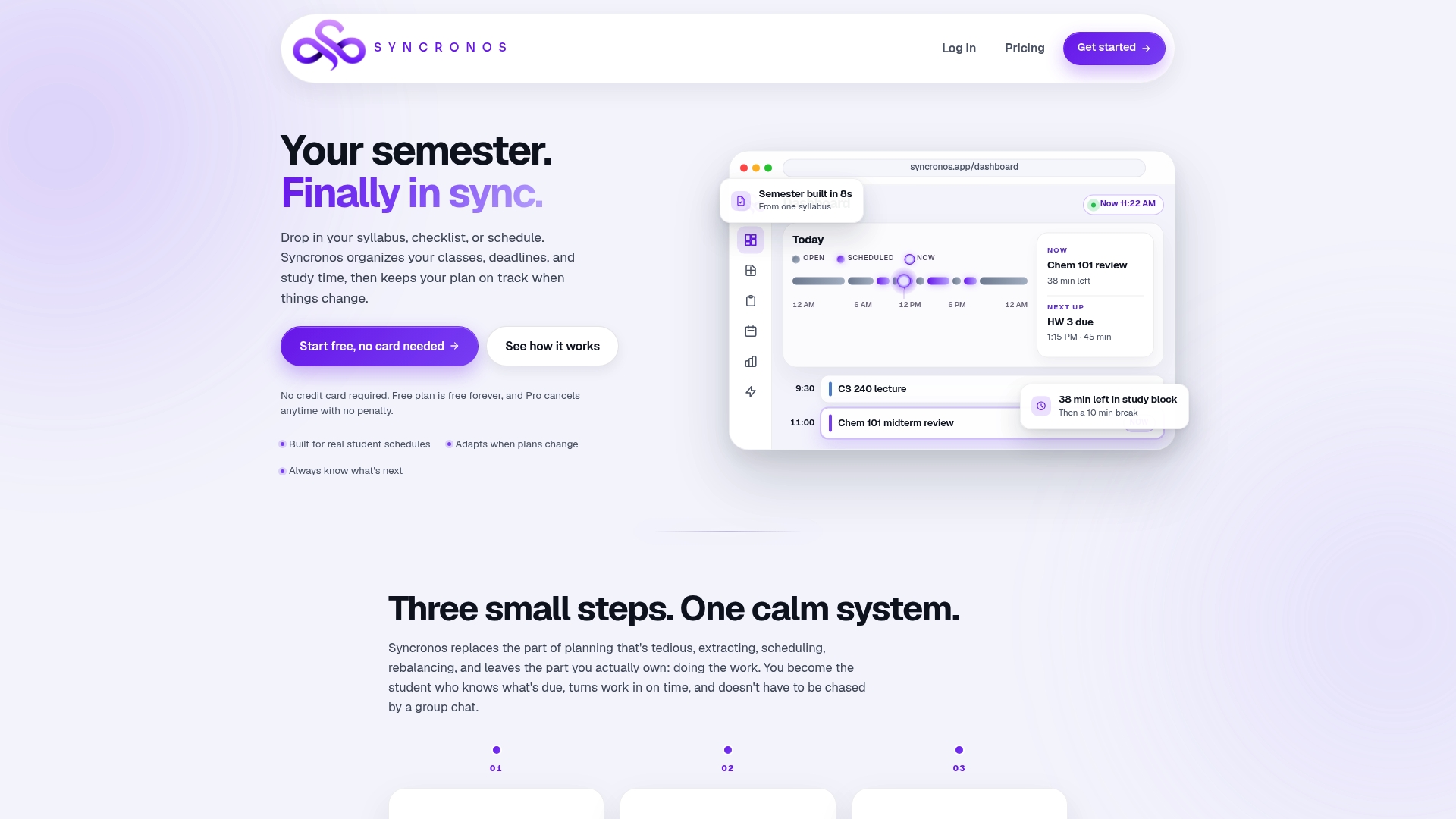
The features that matter for secure student planner use are the same ones that matter for staying organized: account-level controls, the ability to export your schedule, and settings that let you decide what stays on your device versus what syncs. When you're comparing tools for student planner confidentiality, look for exactly those controls, export options, clear account settings, and limited retention, and check whether the provider offers them before you commit. Some planners are built around that same checklist. Start with the assignment planner to see how task extraction works, or check the free and paid plans to find the tier that fits your semester.
Sources
For rights and complaint procedures, review the Student Privacy Policy Office's FAQs. For vendor evaluation frameworks and school guidance templates, CoSN's student data privacy resources and Roomit's safety practices offer practical starting points.
This article is general information, not a substitute for advice from a qualified lawyer. Consult a qualified legal professional about your own circumstances before acting on anything here.
FAQ
Does FERPA Apply to Personal Planner Apps?
FERPA applies to education records controlled by a school, so a planner you chose yourself and use independently generally falls outside its scope unless the school collects or requires it.
How Long Can a School Take to Respond to a Records Request?
Schools generally must provide access to education records within 45 days of a formal request.
What Should I Never Put in a Student Planner?
Avoid entering Social Security numbers, medical details, disciplinary notes, or anything you wouldn't want visible if the device or account were compromised.
Does Syncronos Store My Syllabus Content Permanently?
Syncronos is built to minimize what it retains while still powering adaptive scheduling; check current account settings and the pricing page for the latest retention and export options.
Can a School-Required App Share My Data With Other Companies?
Only under specific conditions. FERPA requires vendors handling school-controlled education records to meet school official criteria, and the school must log many of these disclosures.