
A syllabus organizer reads your course syllabi, pulls out every due date, exam, and grading rule, and turns them into calendar events and tasks automatically. The fastest way to see if it works for you is to upload one syllabus and check whether the parsed events match what your professor actually assigned. Most students save hours of manual data entry per semester and stop losing track of grading policies buried on page four.
TL;DR:
- Most syllabus parsers struggle with poorly formatted PDFs or scanned documents, so testing on your difficult syllabi first ensures reliability.
- A good organizer should allow easy updates, edits, and re-uploads to handle syllabus changes without needing to restart the setup.
- Consolidating multiple classes into a layered, color-coded view helps to accurately assess workload peaks and avoid deadline clustering.
- Automating extraction of dates, policies, and grading details saves hours compared to manual entry and keeps your schedule aligned with syllabus updates.
- Relying on your syllabus PDF as the primary source ensures more accurate scheduling than the less frequently updated LMS calendar.
Table of Contents
- What Does a Syllabus Organizer Actually Do?
- What Should You Look for in a Syllabus Organizer?
- How Do You Turn a Syllabus Into a Weekly Study Plan?
- How Do You Manage Multiple Classes Without Overload?
- Why Syncronos Fits This Workflow
- Should You Use an Automated Syllabus Organizer This Semester?
- Why We Built Around the Syllabus, Not the Calendar
- Try Syncronos: Start Your Syllabus-to-Calendar Workflow
- Sources
- FAQ
What Does a Syllabus Organizer Actually Do?
A syllabus organizer reads a course document the way you would, but faster and without skipping the fine print. It scans for due dates, exam windows, reading assignments, and participation rules, then converts each one into a task or calendar entry you can act on.
The better tools also keep course-level context on hand: your professor's name, office hours, the grading breakdown, and the late-work policy. That matters more than it sounds. University advising guidance identifies syllabi as central planning hubs precisely because students need that information weeks after the first read, usually right when a deadline gets tight and they need to know if a late paper costs 10% or an automatic letter grade.
Here's what a functioning syllabus organizer gives you once the extraction is done:
- Automatic task creation for every graded assignment, quiz, and exam
- A searchable record of grading weights and late-policy language
- Reminders set ahead of each deadline, not just on the day
- A simplified view of what's due this week versus next month
The payoff is fewer scrambles. You stop digging through five PDFs the night before a paper is due, and you get a clearer weekly picture instead of a mental list you're hoping you remember correctly.
What Should You Look for in a Syllabus Organizer?
Not every tool that claims to read a syllabus does it well. Before you commit to one, check it against a short list of things that actually separate a useful organizer from a frustrating one.
- Parsing accuracy on messy PDFs. Scanned documents, oddly formatted tables, and syllabi with dates buried in paragraph text trip up weaker parsers. Test it on your worst-formatted syllabus first, not your cleanest one.
- Editable calendar sync. Syncing to Google Calendar or Apple Calendar is table stakes; being able to edit or delete a synced event without breaking the connection is not.
- Revision handling. Professors update syllabi mid-semester more often than anyone admits. A good organizer should let you re-upload and merge changes instead of forcing you to start over.
- Workload tools. Look for study-block scheduling and estimated time-per-task, not just a list of dates.
- Privacy and export options. You should be able to pull your schedule out as a file or PDF and access it from your phone and laptop without re-uploading anything.
Institutional tools like Rutgers' Course Schedule Planner show what students have come to expect from planning software: calendar and list views side by side, plus the ability to regenerate a schedule when something changes. A syllabus organizer worth using should offer that same flexibility, not a static one-time export.
Pro Tip: Don't trust your school's LMS calendar as your only source of truth. Professors update the syllabus PDF far more consistently than they update LMS calendar entries, so treat the PDF itself as the authoritative document and sync from there.
How Do You Turn a Syllabus Into a Weekly Study Plan?
Converting a stack of syllabi into an actual weekly plan takes about fifteen minutes if you do it in order. Here's the sequence that works:
- Gather your files first. Pull every syllabus PDF or link into one folder, and decide which calendar (Google, Apple, Outlook) you want everything synced to before you start.
- Block out 10 to 20 quiet minutes. Parsing goes fast, but reviewing the output takes focus, especially the first time.
- Upload the syllabus and run the parser. This is where dates, assignments, and exam windows get extracted automatically.
- Review every parsed event manually. Parsers sometimes misread ambiguous phrasing like "paper due the week after spring break" or a date formatted differently than expected. Catching this now avoids a missed deadline later.
- Add estimated work time to each task. A ten-page paper and a two-question quiz shouldn't take up the same mental space on your calendar.
- Schedule study blocks around fixed commitments. Work backward from exam dates and heavy-reading weeks so nothing lands on top of a job shift or another class's midterm.
- Turn on reminders and set a rule for updates. Decide now whether you'll re-upload a revised syllabus weekly or only when your professor announces a change.
Pro Tip: Review parsed events the moment they appear, not days later. A quick scan catches a misread date while the syllabus is still fresh in your memory, and it takes thirty seconds compared to the scramble of realizing a due date was wrong the night before it's due.
How Do You Manage Multiple Classes Without Overload?
One syllabus is easy. Five syllabi stacked on top of each other during midterms is where most planning systems fall apart. The fix is building one consolidated view instead of five separate mental calendars.
Start by color-coding each course so a week's workload is visible at a glance rather than something you have to piece together. A monthly snapshot that layers all your classes together will show you the weeks that look deceptively light, right before three papers land in the same seventy-two hours.
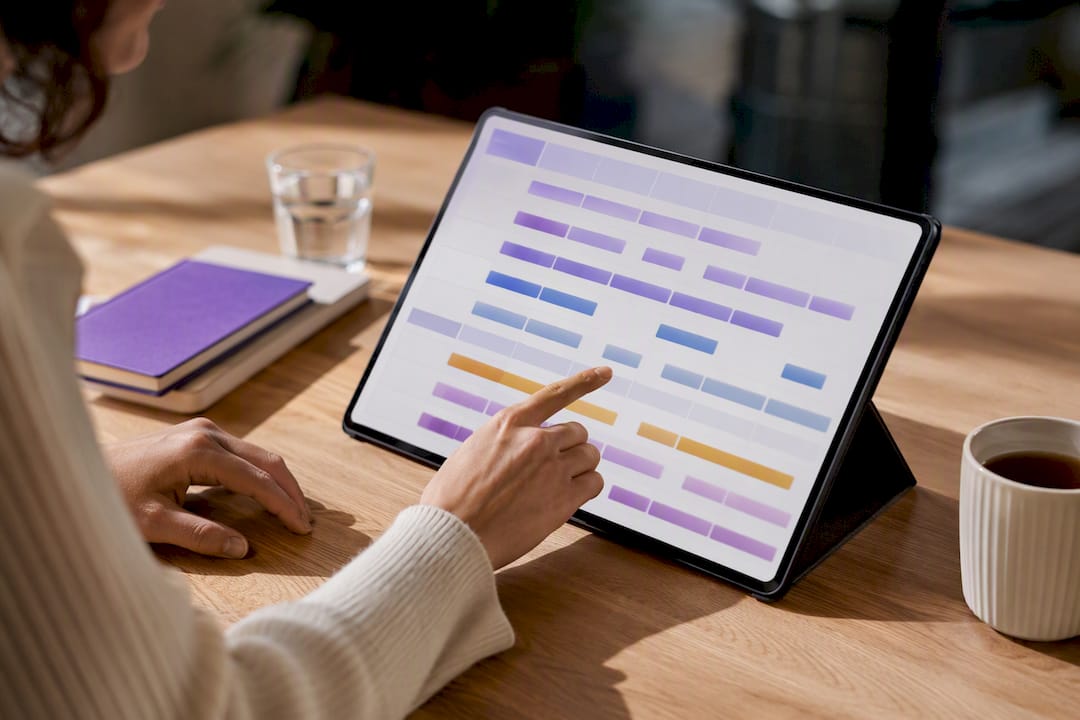
Estimating hours per assignment matters more here than it does for a single class. Effort estimation is a habit advisors specifically recommend because it's the only way to see your real weekly load instead of just a list of due dates with no weight attached. A reading response and a ten-page research paper might both say "due Friday," but they do not belong in the same two-hour block.
Once you can see the load clearly, you can shift or chunk tasks to avoid deadline clustering. Curriculum-planning tools built for year-at-a-glance views demonstrate the same principle at the institutional level: seeing the whole term at once is what lets you catch pacing problems before they become emergencies. The same logic applies to your own semester. And when a dispute comes up over a late paper or a missed quiz, keep grading and late-policy details attached to each course, not buried in a folder you'd have to dig for during a stressful conversation with a professor.
Why Syncronos Fits This Workflow
This tool was built around the problem this article walks through: turning scattered syllabi and to-do lists into one schedule that automates task extraction and calendar event creation.
What separates it from a basic parser is what happens after the first upload. Classes get rescheduled, deadlines move, and new assignments appear mid-semester. A good syllabus organizer should rebalance study blocks and due dates when that happens, instead of leaving you with a static calendar that's already out of date by week three.
A few things worth knowing before your first upload:
- Extraction can pull from syllabi, checklists, and to-do lists, not just one file type
- A dashboard should prioritize what's due soon so you're not scrolling through a flat list
- Manual edits and optimized rescheduling features are helpful if your plans shift
For students juggling four or five classes at once, that adaptive layer is the difference between a calendar you set up once and one you have to keep fixing yourself.
Should You Use an Automated Syllabus Organizer This Semester?
For most students, yes. Manually transcribing every date from every syllabus into a planner is exactly the kind of repetitive task that automated extraction handles faster and more consistently than a tired 11 PM version of you.
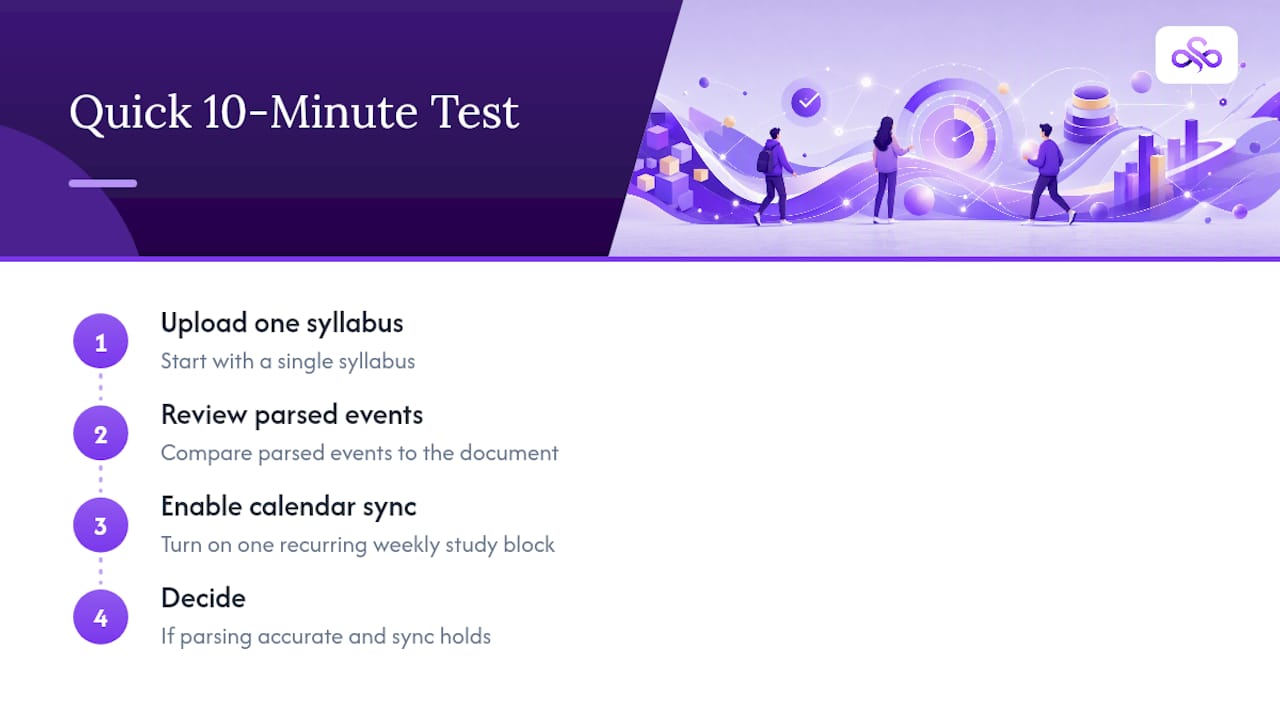
Try this in the next ten minutes: upload one syllabus, review the parsed events against the actual document, and turn on calendar sync with one recurring weekly study block. If the parsing looks accurate and the sync holds up, you have your answer.
Paid tiers start to matter once you're managing multiple classes at once. Unlimited parsing, workload forecasting, and AI-driven rescheduling save real time when your schedule shifts weekly rather than once a semester.
Why We Built Around the Syllabus, Not the Calendar
Most planning tools start with a blank calendar and ask you to fill it in. We think that's backward. The syllabus already contains everything that matters: dates, weights, policies. Automation should preserve that as the source of truth, not replace it with a generic grid. Try the workflow, then adjust it until it matches how you actually study.
— Syncronos
Try Syncronos: Start Your Syllabus-to-Calendar Workflow
This planner helps you get from a syllabus PDF to a working weekly schedule faster than building one by hand, and keeps adjusting that schedule as your semester changes instead of requiring you to redo it every time a deadline shifts. Upload your first syllabus to see extracted due dates, exams, and grading details appear in your dashboard within minutes, ready for you to review and edit before syncing to your calendar.
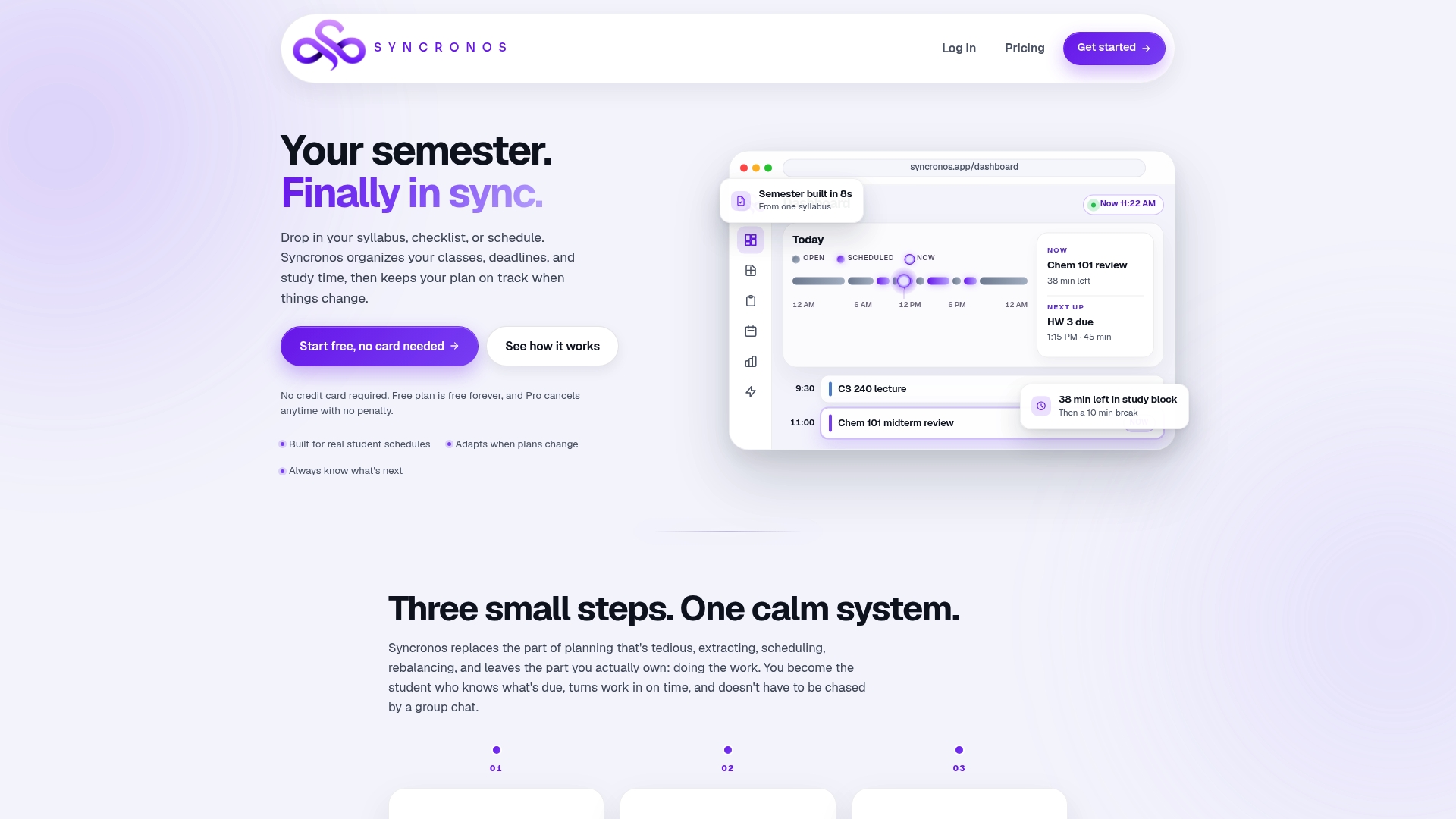
The free tier covers manual planning and limited AI-powered extraction, enough to test whether the syllabus-to-calendar workflow fits how you study. If you're juggling multiple courses and want unlimited parsing, workload forecasting, and AI-optimized rescheduling, check the pricing page for what unlocks at each tier. Before your first upload, a quick pass on organizing your study space can make the review step even smoother. Start by uploading one syllabus at Syncronos and see what your first parsed schedule looks like.
Sources
For deeper grounding on the planning principles behind this workflow, see George Mason University's advising guidance on using syllabi as planning tools, Rutgers' Course Schedule Planner for an example of institutional scheduling software, and TeachQuill's curriculum mapper for how pacing guides prevent end-of-term cramming at scale.
- Getting organized: utilizing your syllabi — George Mason University graduate student resources
- Course Schedule Planner (CSP) — Rutgers University
- EMStudio — curriculum planner features
FAQ
What Is the Best Way to Organize My Syllabus?
The most reliable method is uploading it to a syllabus organizer that extracts dates and assignments automatically, then reviewing the output for accuracy before syncing it to your calendar. Manual entry works, but it takes longer and is more error-prone for anyone managing more than two or three courses.
What Is the Best Syllabus Organizer App?
The right choice depends on how many courses you're tracking and whether you need adaptive rescheduling. Tools like Syncronos are built specifically to extract deadlines from multiple syllabi and adjust your schedule automatically when plans change, which matters most once you're past a single-class workload.
How Should a Syllabus Be Organized?
A well-organized syllabus record separates fixed dates (exams, project deadlines) from recurring items (weekly readings, quizzes), and keeps grading weights and late policies attached to each course rather than stored separately. That structure is what makes a syllabus useful as an ongoing reference, not just a first-week document.
How Can I Create My Own Syllabus Tracker?
Start with a course planner template or spreadsheet, list every graded item with its date and weight, then estimate hours needed for each task to spot heavy weeks early. If you're tracking more than two courses, an automated organizer will do this extraction faster and update itself when a syllabus changes.
Should I Rely on My School's LMS Calendar Instead?
No. Professors update the syllabus PDF more consistently than LMS calendar entries, so treat the syllabus itself as your primary source and sync parsed dates from there rather than trusting the LMS alone.